
Record a bug report people will actually watch
“Click the third button, then it jumps” is a description. A 15-second clip is a reproduction. OneTake records a cropped region of the screen and can turn it into a GIF you can drag straight into the ticket.
Start recording → Free · no account · nothing is uploaded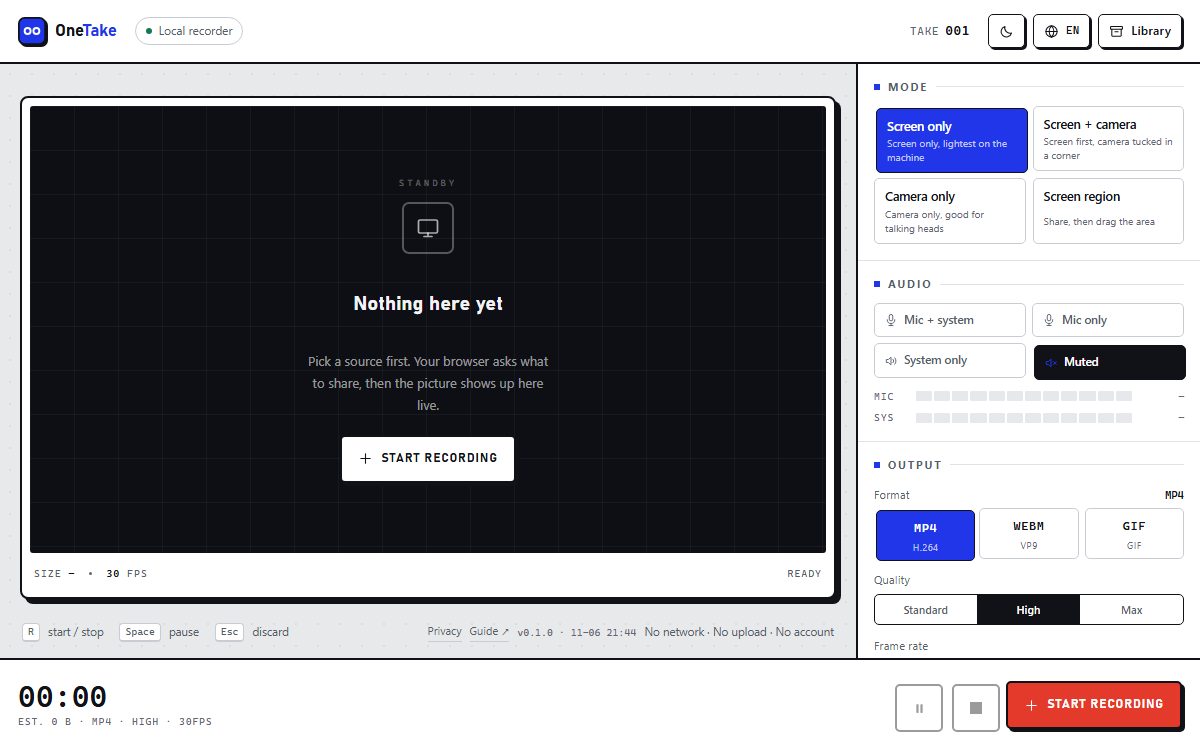
How to do it
- Choose “Screen region”Crop to the widget or panel that misbehaves — a full desktop hides the point.
- Start recording and reproduce the bugKeep it under 15 seconds; one bug per clip.
- Stop and pick GIF or MP4GIF attaches almost anywhere; MP4 if you narrated it.
- Drag the file into the ticketJira, GitHub, Linear and most trackers accept either format.
A region crop is the whole trick
A full-screen recording of a bug report is mostly desktop wallpaper and other people’s windows. Cropping to the failing panel makes the clip readable at a glance and keeps the file small.
Because the recording never leaves the machine, you can do this on an internal system that blocks uploads to third-party tools.
Keep it short, keep it silent
Ten to fifteen seconds with no audio is usually better than a narrated minute — the reader is scanning, not watching.
If the bug needs a voice note, switch to “Mic only” and export MP4 instead, so the audio survives.
Frequently asked questions
Can I attach the recording to Jira or GitHub?
Yes. GIF and MP4 both upload fine; GIF is usually the smaller of the two for short clips.
Is it safe for internal systems?
The recording is processed and stored in your browser. There is no upload endpoint, so nothing leaves the machine.
How long should a bug clip be?
10–15 seconds. If it needs longer, it is probably two bugs.
Can I blur sensitive data?
Not yet. Crop the region tightly instead, so sensitive parts are never captured.