
No watermark, no export paywall, no account
“Free screen recorder” often means: watermark until you pay, 5-minute cap, or a sign-up wall at export. OneTake has none of those. There is no paid tier, so there is nothing to hold hostage.
Start recording → Free · no account · nothing is uploaded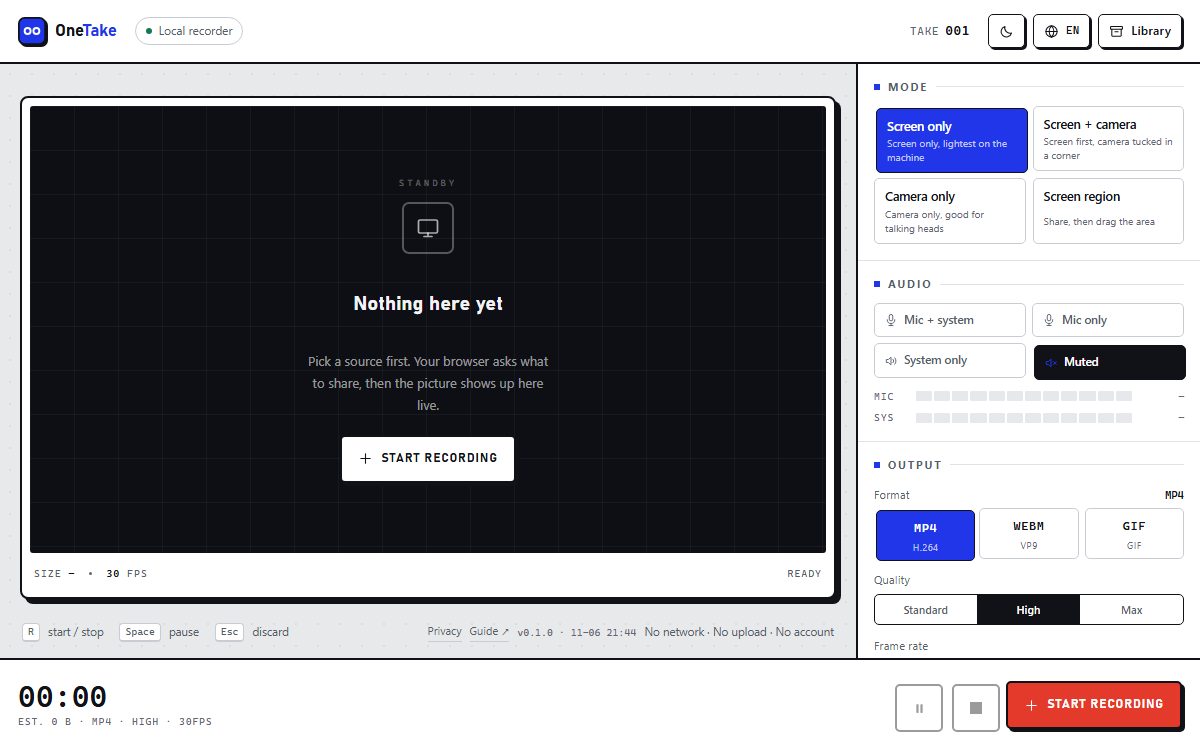
How to do it
- Record whatever you needScreen, camera, system audio — no plan limits, no trial countdown.
- StopThe file is written locally with no branding burned in.
- Export in the format you wantMP4, WebM or GIF; convert between them afterwards without re-recording.
- Keep or delete itYour library, your files, nothing synced anywhere.
Why there is no watermark
A watermark exists to make the free tier uncomfortable. Our free tier costs nothing to serve, because there is no server: encoding happens in the browser and storage is IndexedDB.
The trade-off is honest and worth stating: no cloud, no share links, no team features. You get clean files instead.
“No time limit” needs a caveat
There is no artificial cap. But a take is buffered in memory until you stop, so a two-hour recording is a memory problem on any machine. Split long sessions into parts.
Export size is not capped either; a 20-minute 4K clip is simply a large file.
Frequently asked questions
Really no watermark?
Yes. Nothing is drawn over the video, in preview or in the exported file.
Can I use recordings commercially?
Yes. The recordings are yours; there is no licence attached to the output.
Is there a hidden export limit?
No. Record and export as many as you like; the only limit is your disk.
Why is it free then?
Because there is no backend to pay for. The page is static; encoding uses your CPU.